Clean WhatsApp & Messenger Auto-Saved Photo Junk
Group chats on WhatsApp, Telegram, and Messenger quietly dump gigabytes of viral videos, good-morning images, and memes into your camera roll. Reclaim your space.

The Chat App Auto-Save Epidemic
By default, messaging applications like WhatsApp automatically download every photo, meme, GIF, and video sent in your group chats directly to your iOS or Android device storage. An active family or work chat can dump 2GB of unrequested clutter every single month.
Essential Settings to Turn Off Today
Navigate to WhatsApp > Settings > Chats and disable 'Save to Camera Roll' (on iOS) or 'Media Visibility' (on Android). This stops future clutter at the door.
Purging 3 Years of Backlogged Chat Media
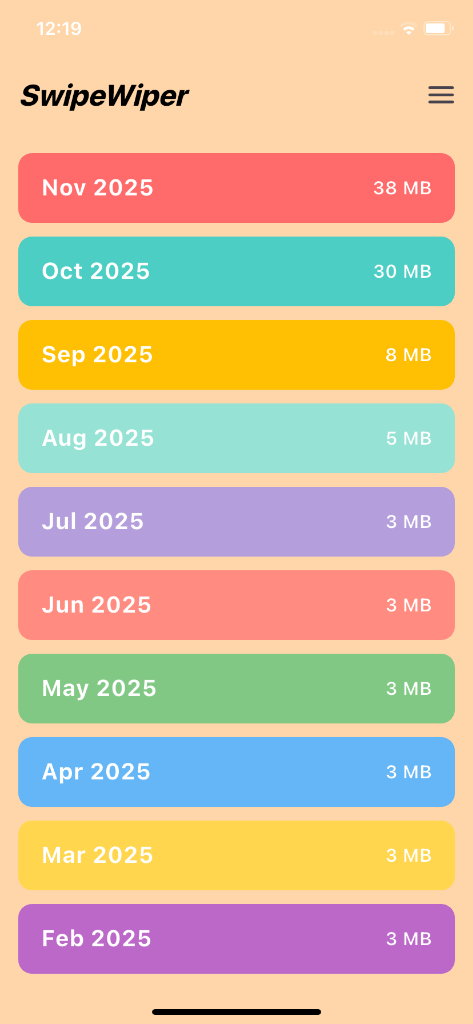
Stopping new auto-downloads does not fix the thousands of junk media files already embedded in your gallery. PhotoWipy lets you step back month by month, rapidly swiping left on viral memes and right on authentic personal moments.
Safe On-Device Cleaning Guarantee
PhotoWipy works completely offline. Your photos never leave your iPhone or Android device, and all flagged deletions are held in your 30-day OS Recently Deleted buffer.
Related Storage & Decluttering Guides
Delete Duplicate Photos on iOS & Android in Minutes
Exact duplicates and near-identical photos quietly eat a third of camera roll capacity. Learn how modern gestural algorithms pinpoint duplicates without cloud leaks.
Bulk Clear Screenshot Graveyards & Old Receipts
Screenshots make up over 28% of the average user's photo count. Most are ephemeral receipts, tracker numbers, and memes that should have been deleted 2 years ago.
Burst Photos Explained: Clean 20x Self-Timer Clutter
Self-timers and rapid-fire shutter bursts capture 10 shots per second. Here is how to strip out the 19 failed frames without losing the one picture-perfect smile.