Bulk Clear Screenshot Graveyards & Old Receipts
Screenshots make up over 28% of the average user's photo count. Most are ephemeral receipts, tracker numbers, and memes that should have been deleted 2 years ago.

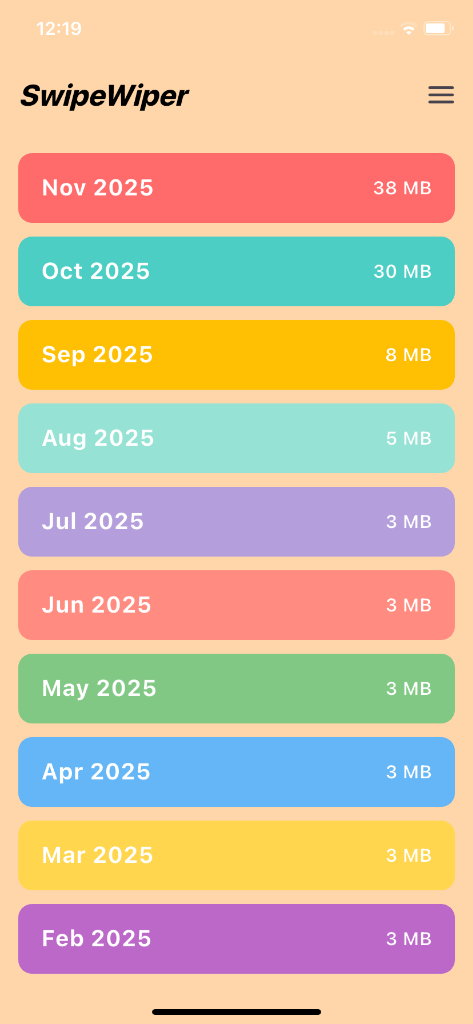
The Anatomy of the Screenshot Graveyard
Unlike intentional portrait or landscape photography, screenshots are utilitarian notes: an Amazon confirmation, an Uber driver license plate, a cooking recipe. Once the moment passes, they turn into digital clutter.
Why Screenshots Steal More Room Than You Think
High-resolution modern displays capture uncompressed PNG screenshots by default. A single screen grab on an iPhone Pro or Samsung Galaxy Ultra can weigh 8MB to 12MB. 500 screenshots easily occupy 5GB of fast internal flash memory.
The Swift 3-Step Purge
PhotoWipy categorizes your media into dedicated review lanes. With full-screen visual preview, you can dismiss dozens of old screenshots in rapid rhythm. Left, left, left—and 5GB returns to your device storage.
Safe On-Device Cleaning Guarantee
PhotoWipy works completely offline. Your photos never leave your iPhone or Android device, and all flagged deletions are held in your 30-day OS Recently Deleted buffer.
Related Storage & Decluttering Guides
Delete Duplicate Photos on iOS & Android in Minutes
Exact duplicates and near-identical photos quietly eat a third of camera roll capacity. Learn how modern gestural algorithms pinpoint duplicates without cloud leaks.
Burst Photos Explained: Clean 20x Self-Timer Clutter
Self-timers and rapid-fire shutter bursts capture 10 shots per second. Here is how to strip out the 19 failed frames without losing the one picture-perfect smile.
Remove Blurry Photos Fast Without Reviewing Every Shot
Nothing ruins a photo album like dozens of blurry outtakes and dark nightclub shots where nobody is in focus. Clean them out at lightning speed.