Fix 'iPhone Storage Almost Full' Fast (5-Min Guide)
The dreaded 'iPhone Storage Almost Full' alert freezes camera recording and halts iOS updates. Here is the rapid 5-minute action plan to instantly reclaim 15GB+.

The Storage Crisis & Why Apple Won't Let You Record
You’re at a concert, your child’s graduation, or a family vacation. You press record on 4K 60fps video, and a modal blocks your screen: "Cannot Record Video: iPhone Storage Almost Full." In that critical split second, panic sets in.
Most iPhone users immediately delete a few apps or delete five random photos. But modern iOS apps offload only megabytes, while 4K video shoots consume up to 400MB per minute. You don’t need more cloud subscriptions—you need high-speed photo triage.
The 5-Minute Swipe Triage Protocol
Going through your default Apple Photos grid is excruciating. Scrolling tiny 1cm thumbnails makes it impossible to distinguish between the sharp photo and the blurry duplicate. You zoom in, tap back, zoom out, tap select, and accidentally delete the wrong one.
Using PhotoWipy, cleaning transforms into a high-speed gesture:
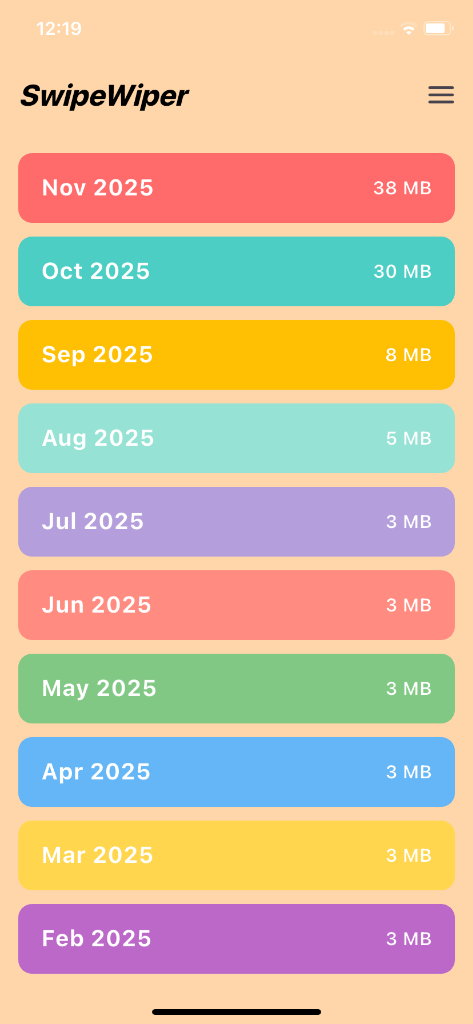
- Open PhotoWipy and pick the current month or oldest year.
- Swipe Right to Keep: Lock in memories, favorite sunsets, and real emotional keepers.
- Swipe Left to Delete: Bin blurry outtakes, redundant bursts, and receipts instantly.
- If you make a mistake, simply tap the Instant Undo button—zero anxiety.
The Apple 'Recently Deleted' Bin Safeguard
PhotoWipy never forces permanent destructions behind your back. Flagged photos are collected in your review queue. Once approved, iOS moves them to the system Recently Deleted album, giving you a 30-day recovery buffer. To immediately reclaim gigabytes right now, go to Photos > Utilities > Recently Deleted > Delete All.
Preventing Storage Warnings Forever
Spending 2 minutes at the end of every month with PhotoWipy keeps your camera roll lean, boosts device responsiveness, and ensures you never get blocked when life happens.
Safe On-Device Cleaning Guarantee
PhotoWipy works completely offline. Your photos never leave your iPhone or Android device, and all flagged deletions are held in your 30-day OS Recently Deleted buffer.
Related Storage & Decluttering Guides
Where Phone Storage Goes: Hidden Burst & Screenshots
When you check Settings > Storage, 'Photos' often consumes 60GB to 120GB. Find out why burst captures and forgotten screenshots are the silent storage killers.
iCloud vs Local Storage: Why Paying More Fails
Cloud storage upsells are a multibillion-dollar machine. But syncing 40,000 junk photos to iCloud just means paying Apple rent to store digital trash.
Free Up 20GB Phone Storage Without Losing Memories
People hesitate to clean their gallery because of one fear: accidentally deleting that irreplaceable photo. Here is how to reclaim 20GB without touching meaningful memories.